
As the May 1 launch of Multi-Factor Authentication (MFA) for the MedBen Analytics employer dashboard approaches, we’re providing additional guidance to help users prepare for the updated login experience. While MFA adds just a quick extra step, a few key details will help ensure a smooth transition.
When MFA is first enabled, users accessing MedBen Analytics will be prompted to complete a one-time setup after entering their username and password. Users will link their account to Google Authenticator by scanning a QR code or entering a secure key. Once set up, the app will generate a unique 6-digit code used to verify each login.
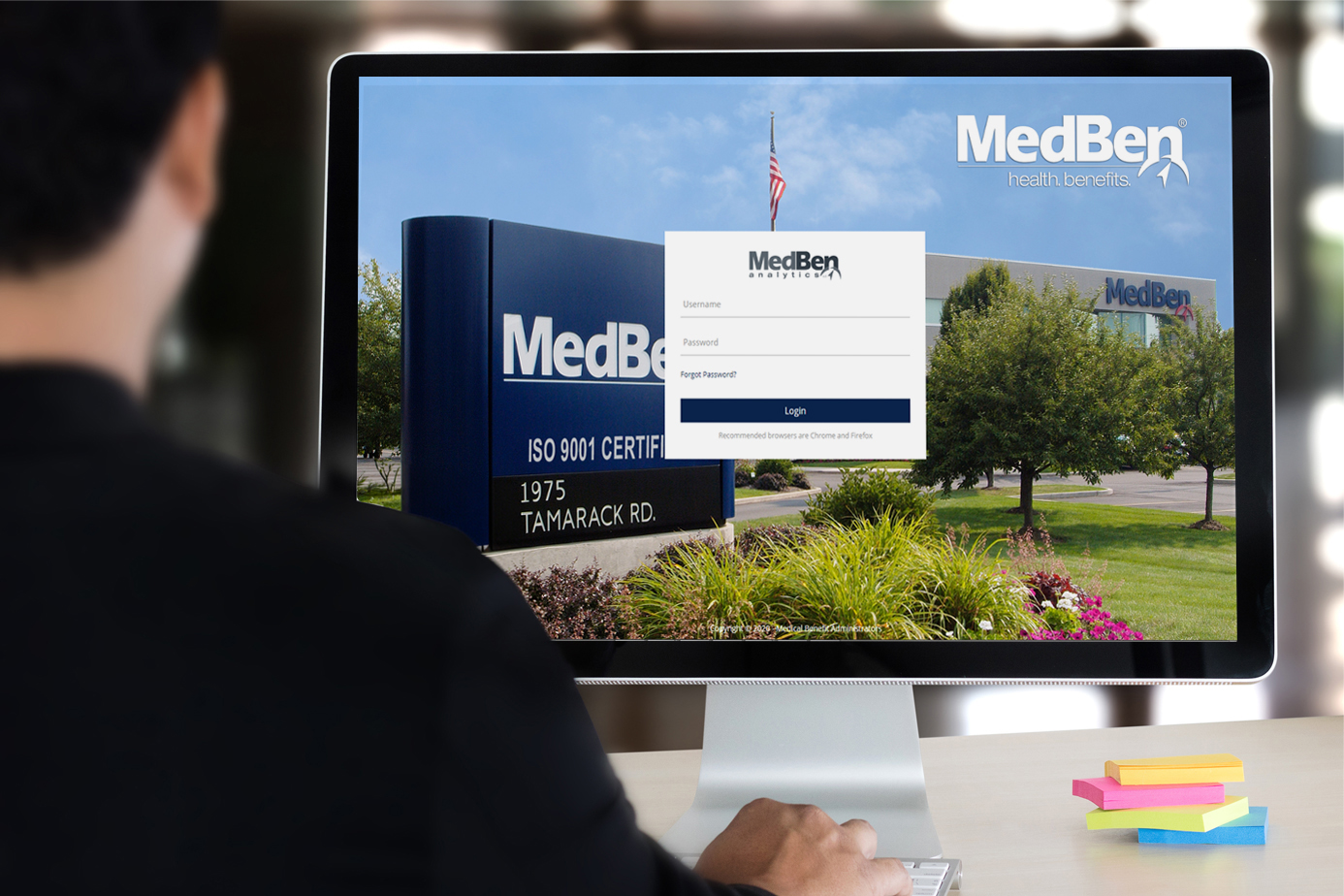
After this initial registration, logging in will remain simple and consistent. Users will enter their password as usual and then provide the current verification code from their authenticator app. The code refreshes automatically at regular intervals, adding a strong layer of protection without significantly impacting the login process.
For additional details on the setup and login experience, including visual examples, please contact your Account Management team for a user guide. Your team is also available to answer questions and provide support as you prepare for this enhancement.